Joining from the lift
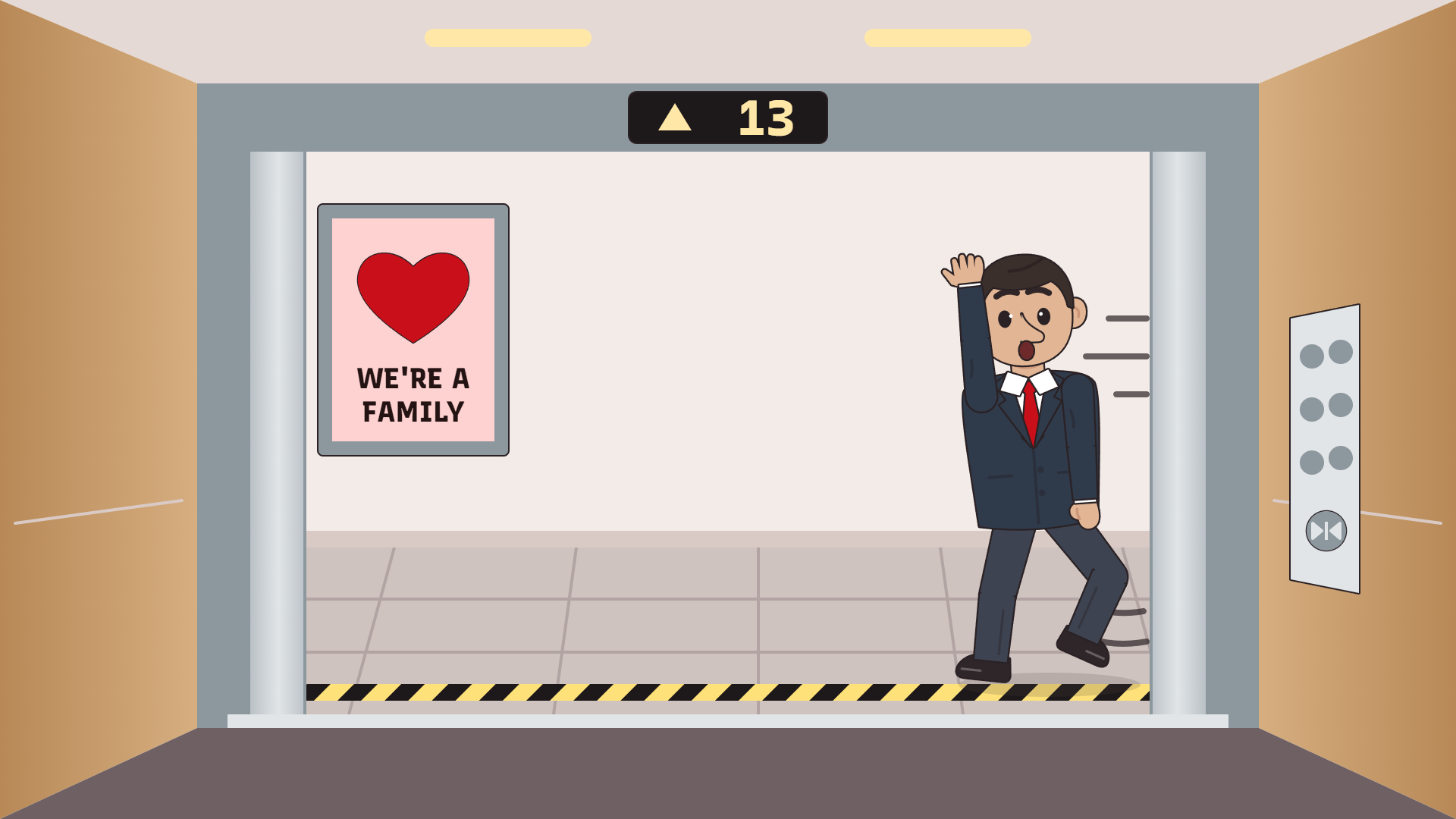
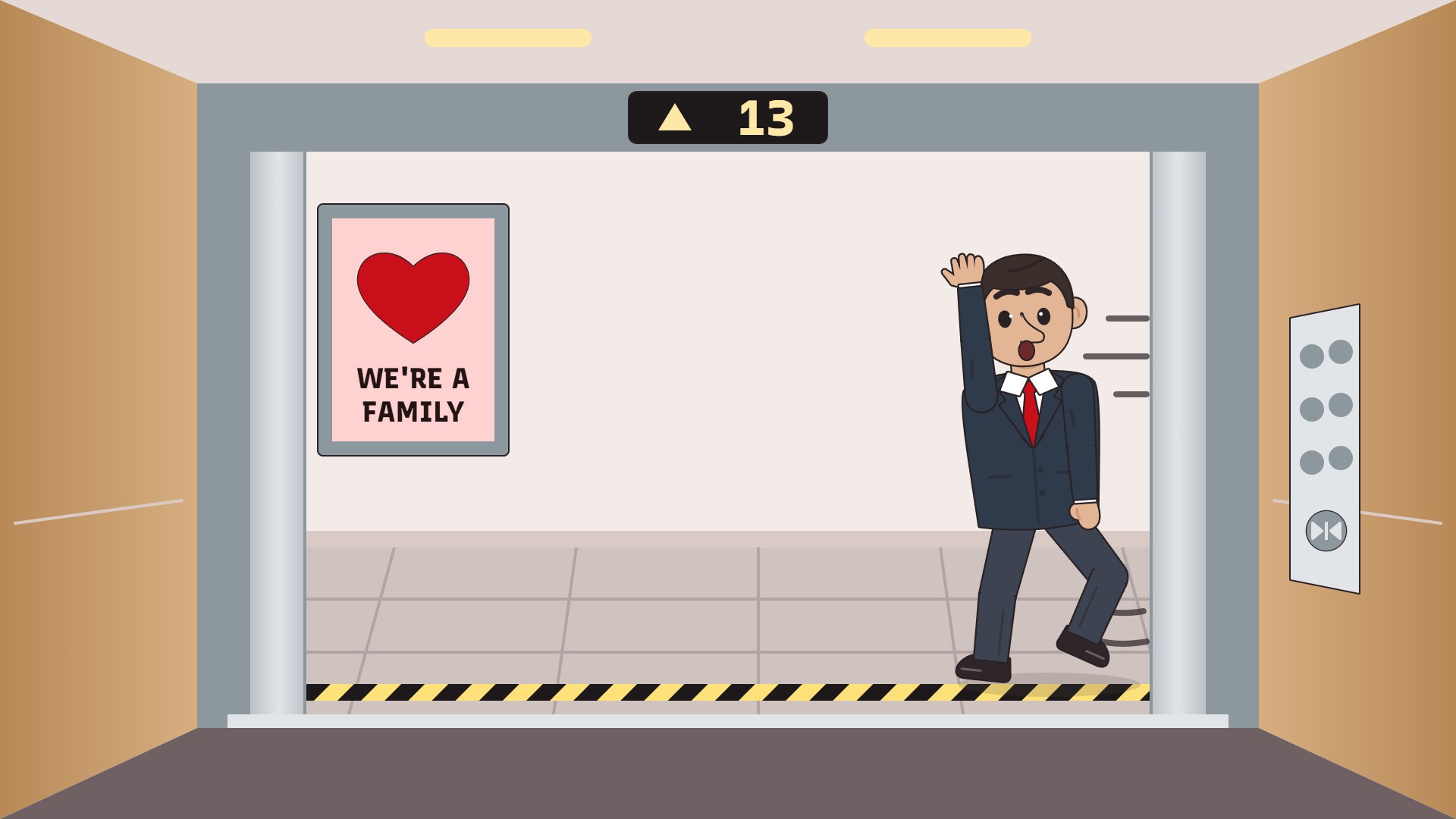
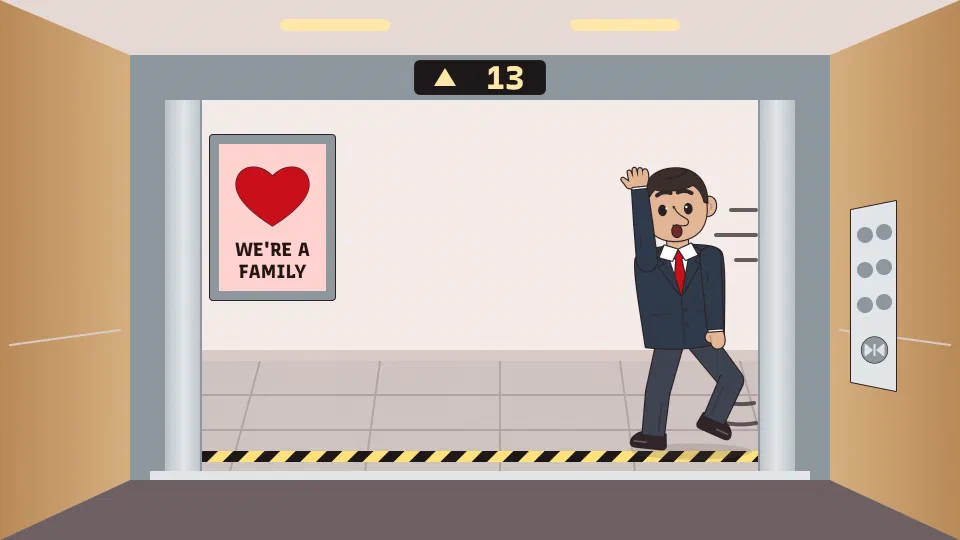
The doors are open and your manager is running for them. Nobody presses the button.
Download Joining from the lift as PNG 407 KB Download Joining from the lift as JPG 114 KB
Funny Zoom backgrounds for your next call: the lift your manager is running for, one pizza for a record quarter, a wall of RECEIVED stamps. Each is 1920 by 1080 and free, with the joke kept clear of your head.
The doors are open and your manager is running for them. Nobody presses the button.
Download Joining from the lift as PNG 407 KB Download Joining from the lift as JPG 114 KB
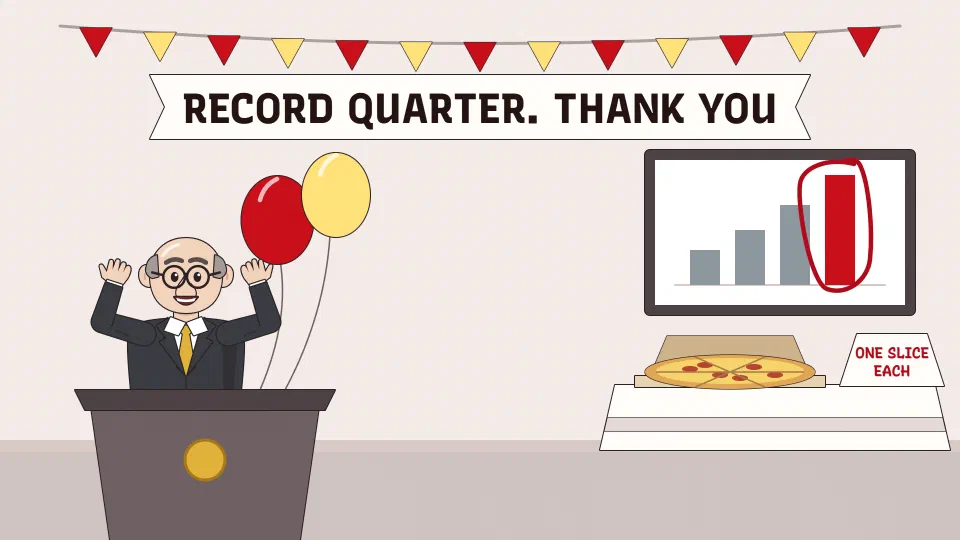
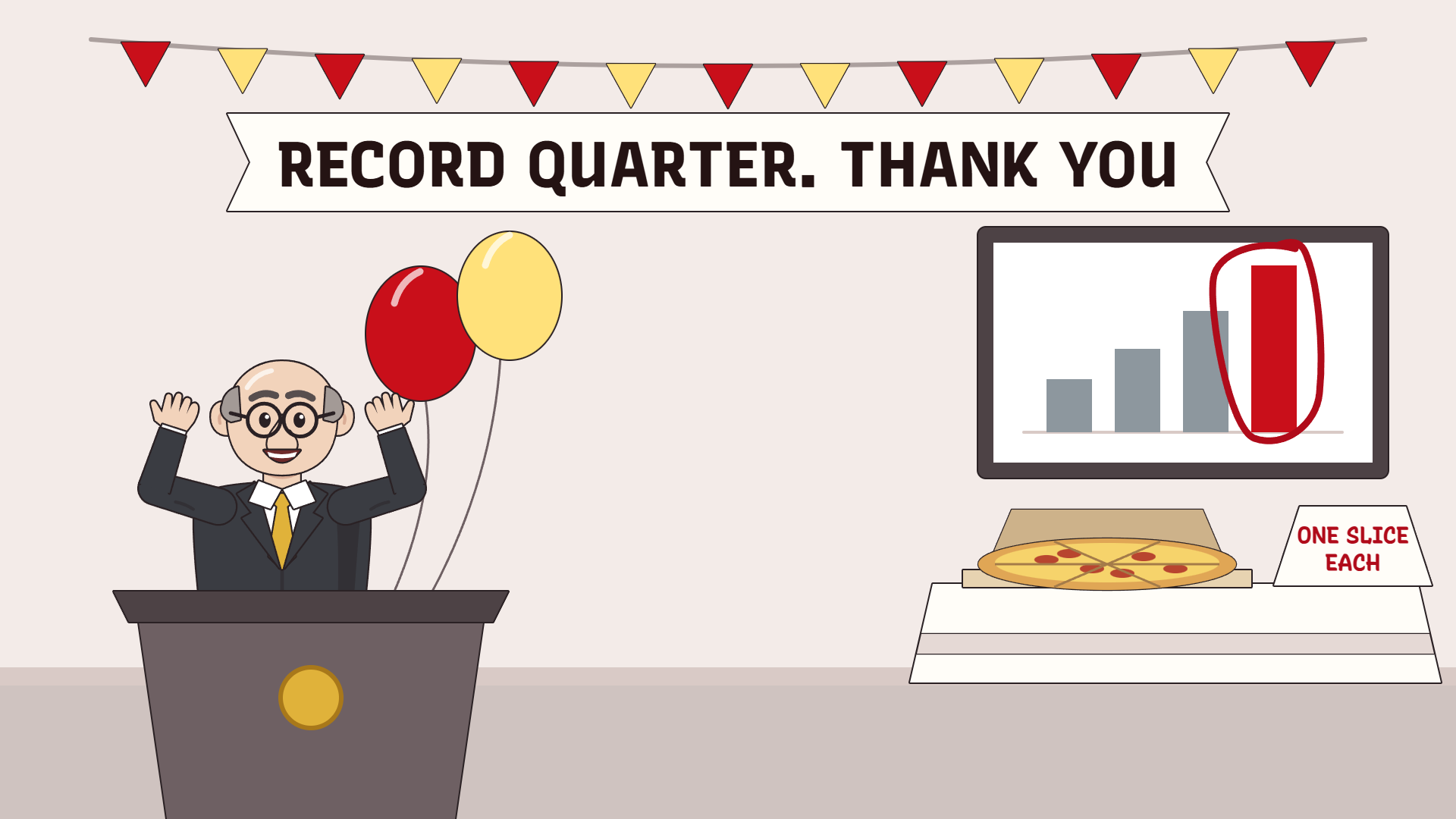
The all-hands stage after the best quarter in company history. Catering sent one pizza.
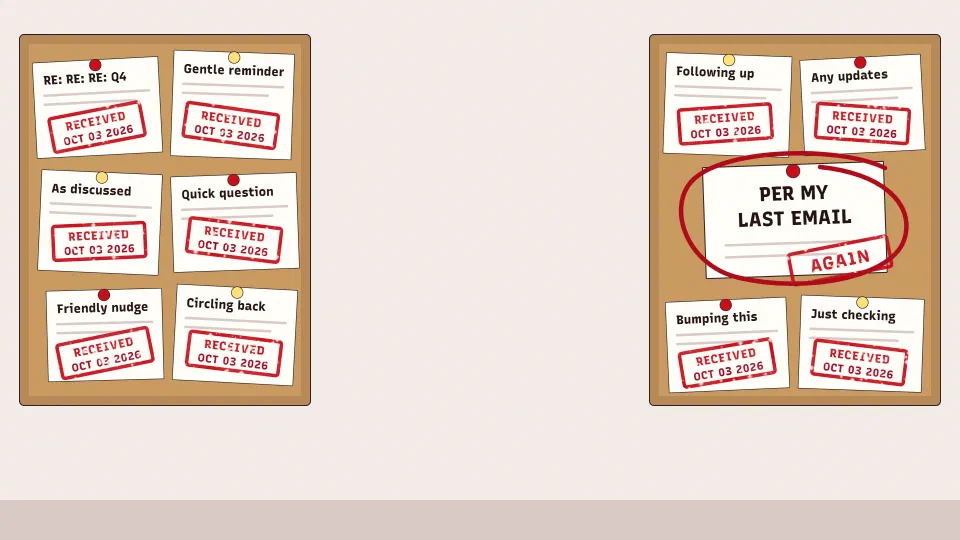
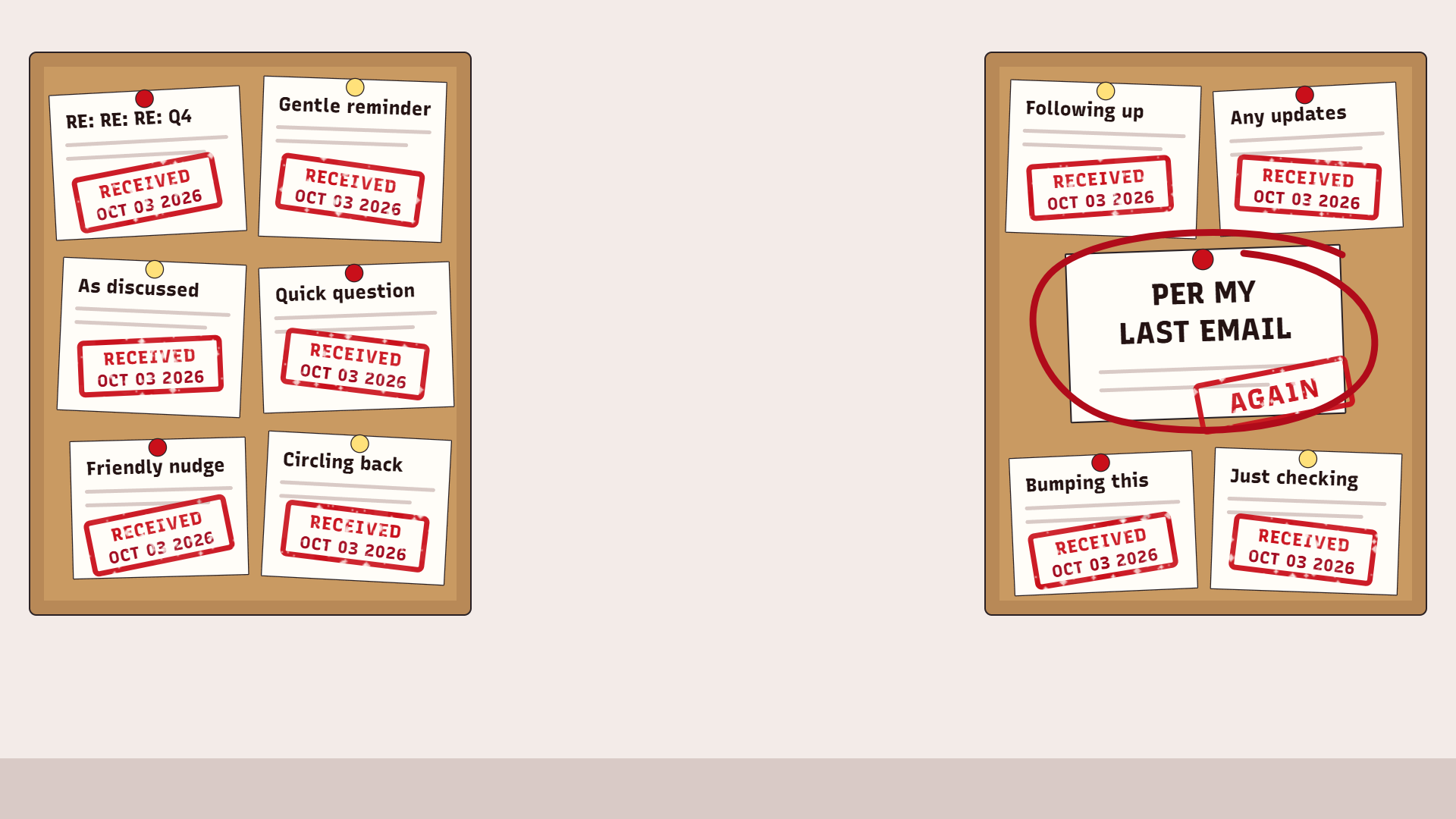
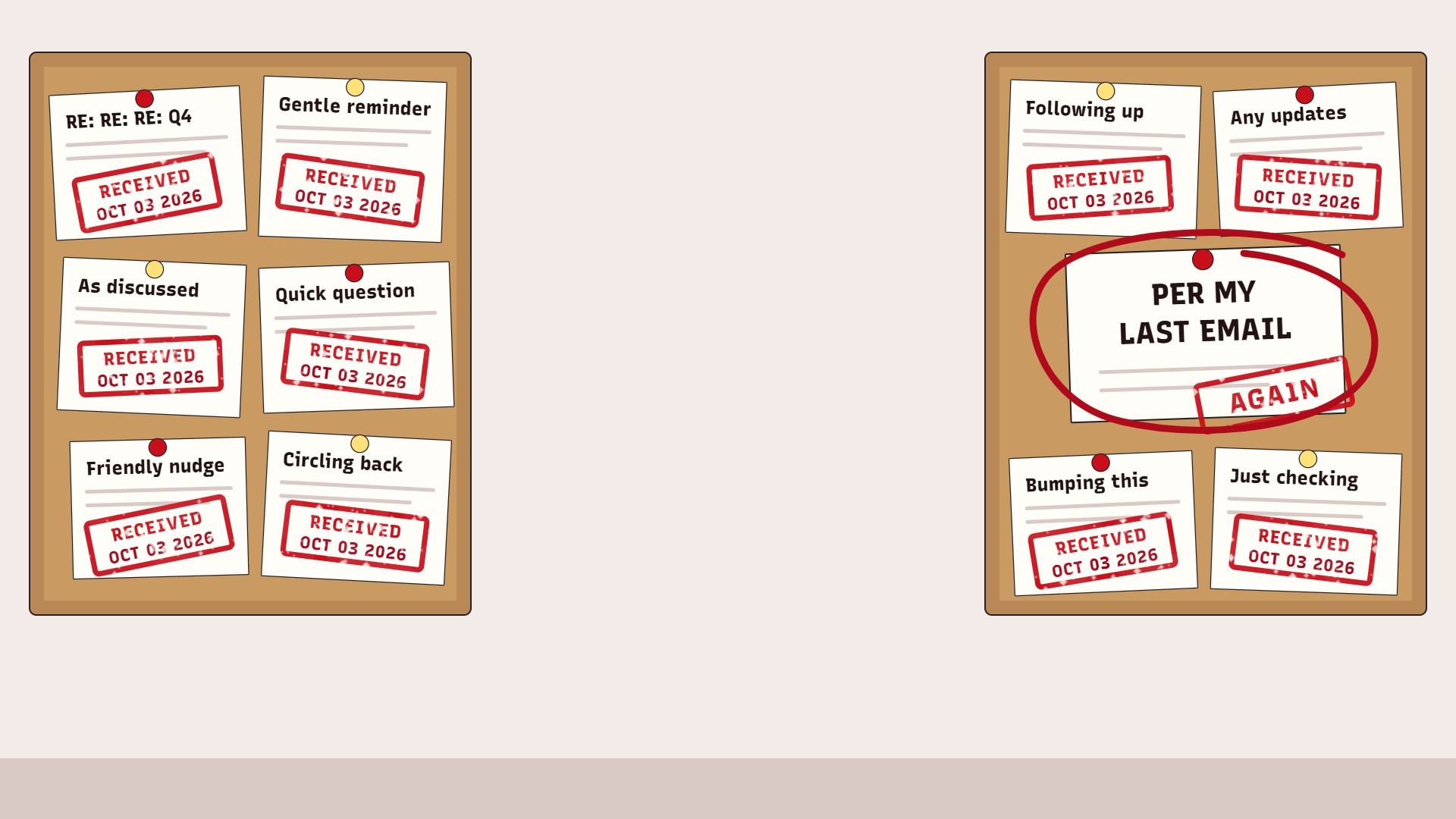
Every memo stamped RECEIVED, and one ringed in red pen for the people who missed it.
Download Per my last email as PNG 263 KB Download Per my last email as JPG 221 KB
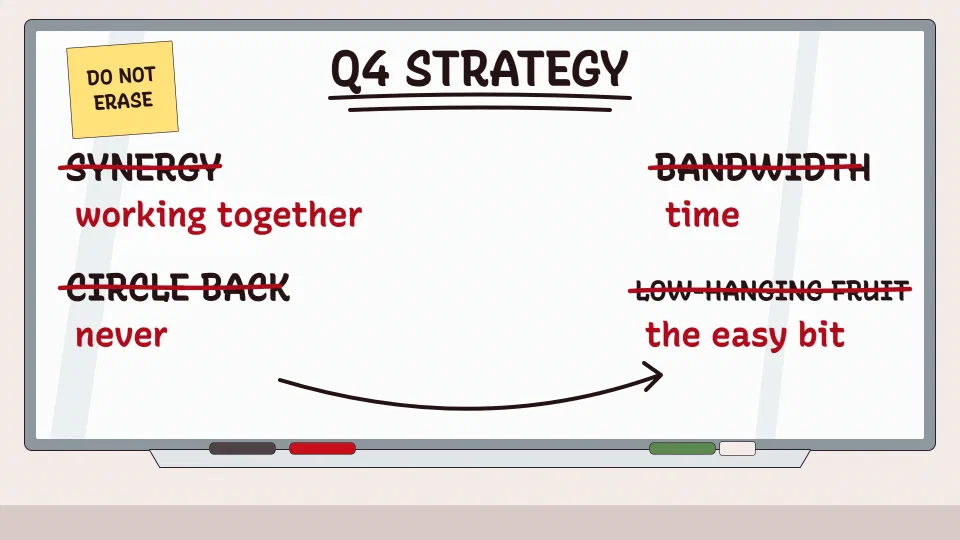
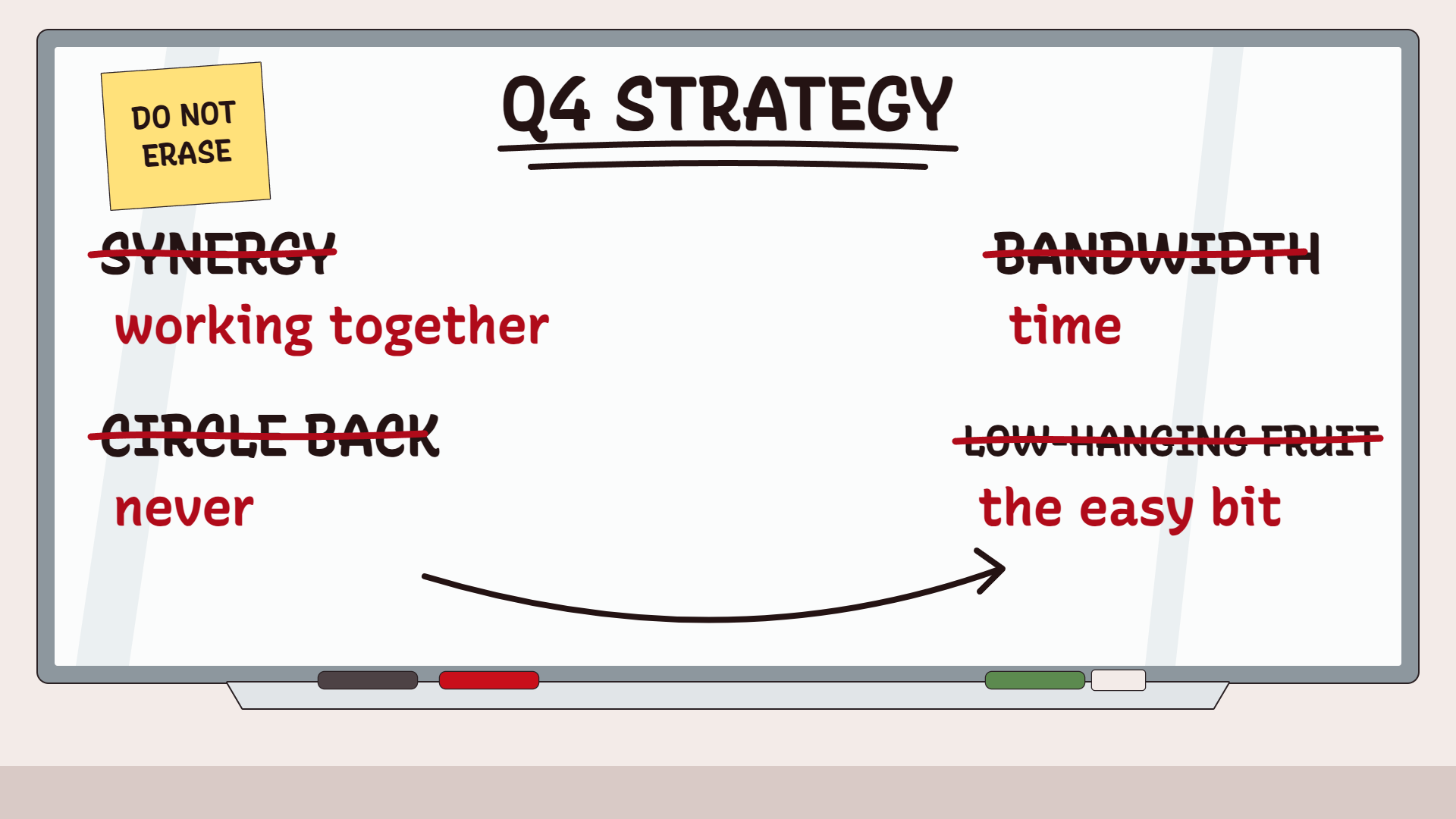
Left over from the offsite: the jargon struck through in red pen, the plain words written after it.
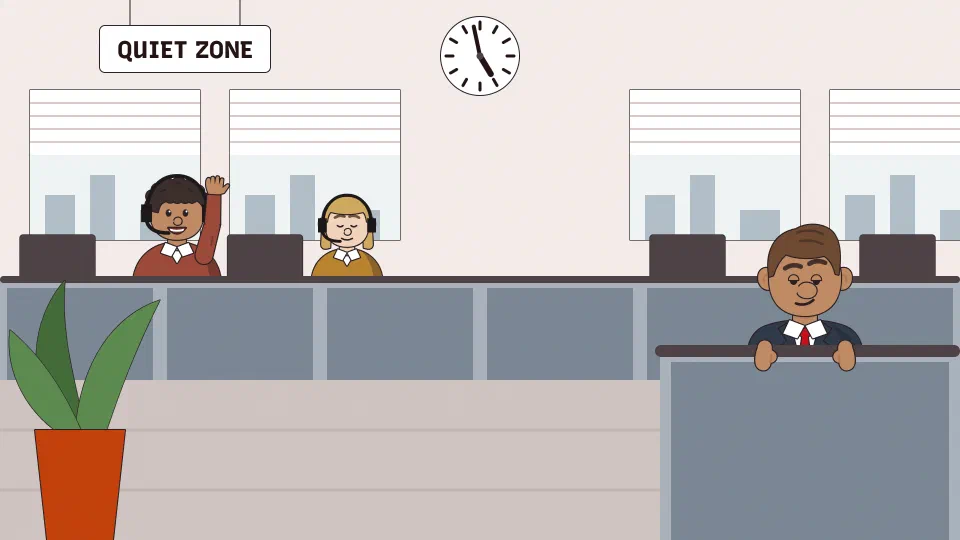
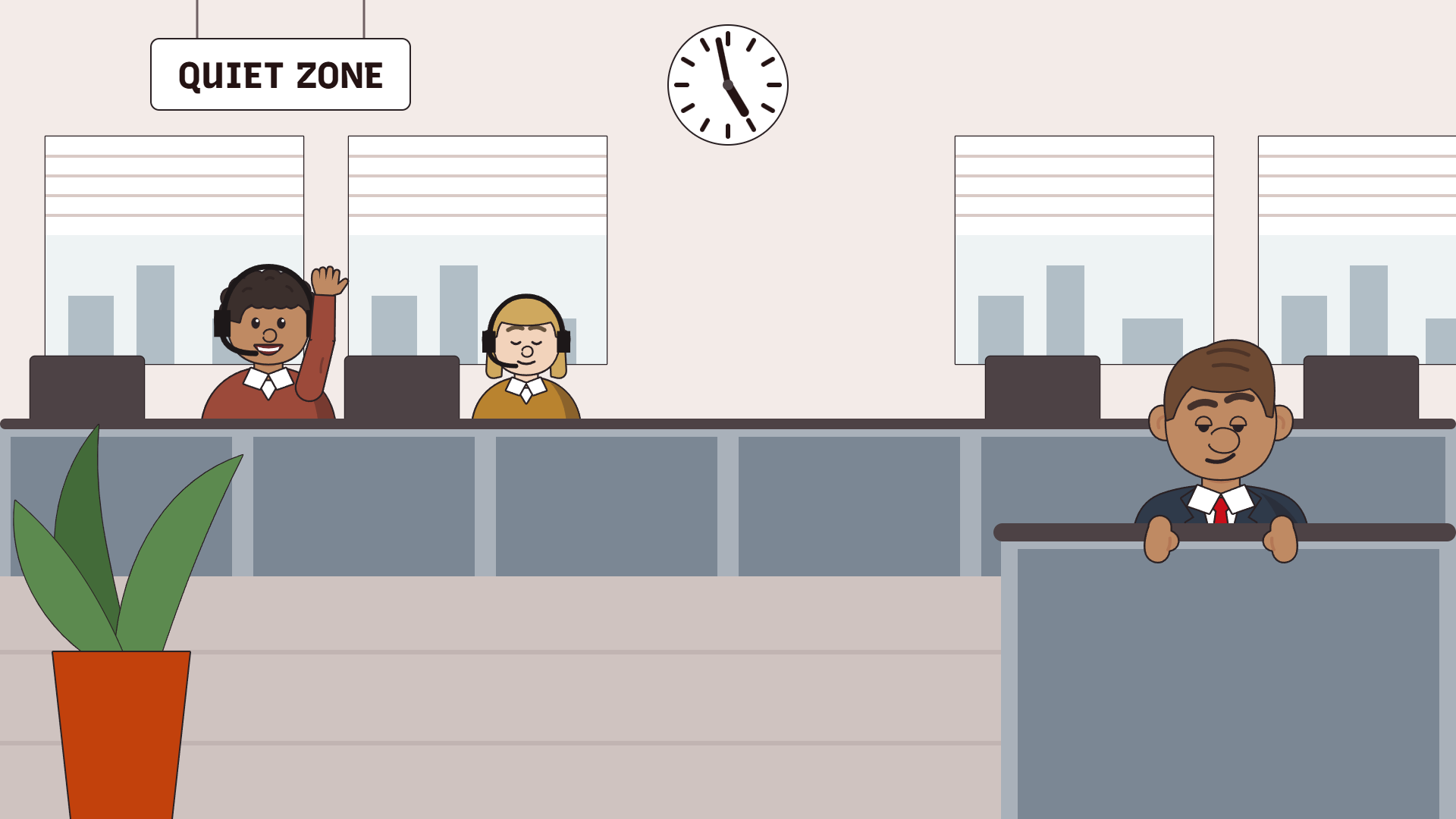
Everyone behind you is on a call too, and your manager has found the partition.
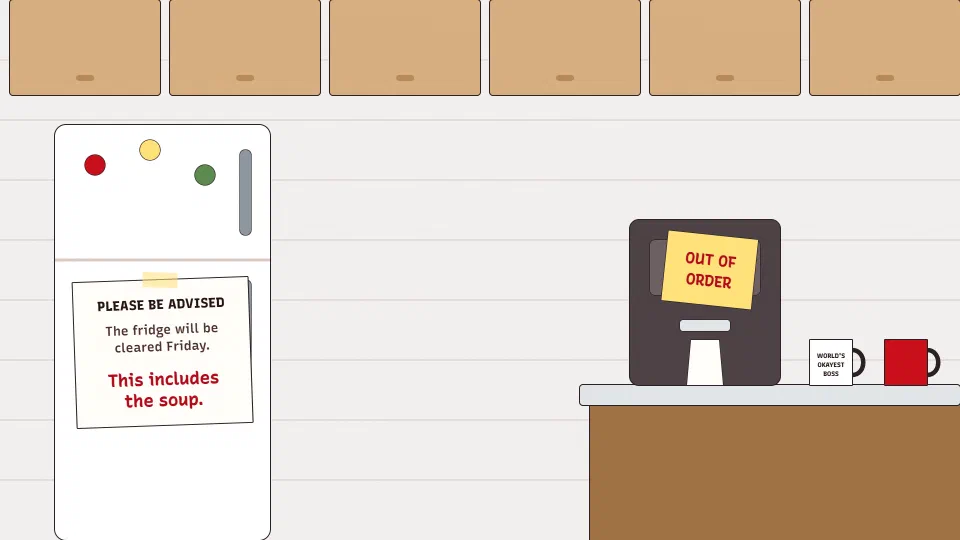
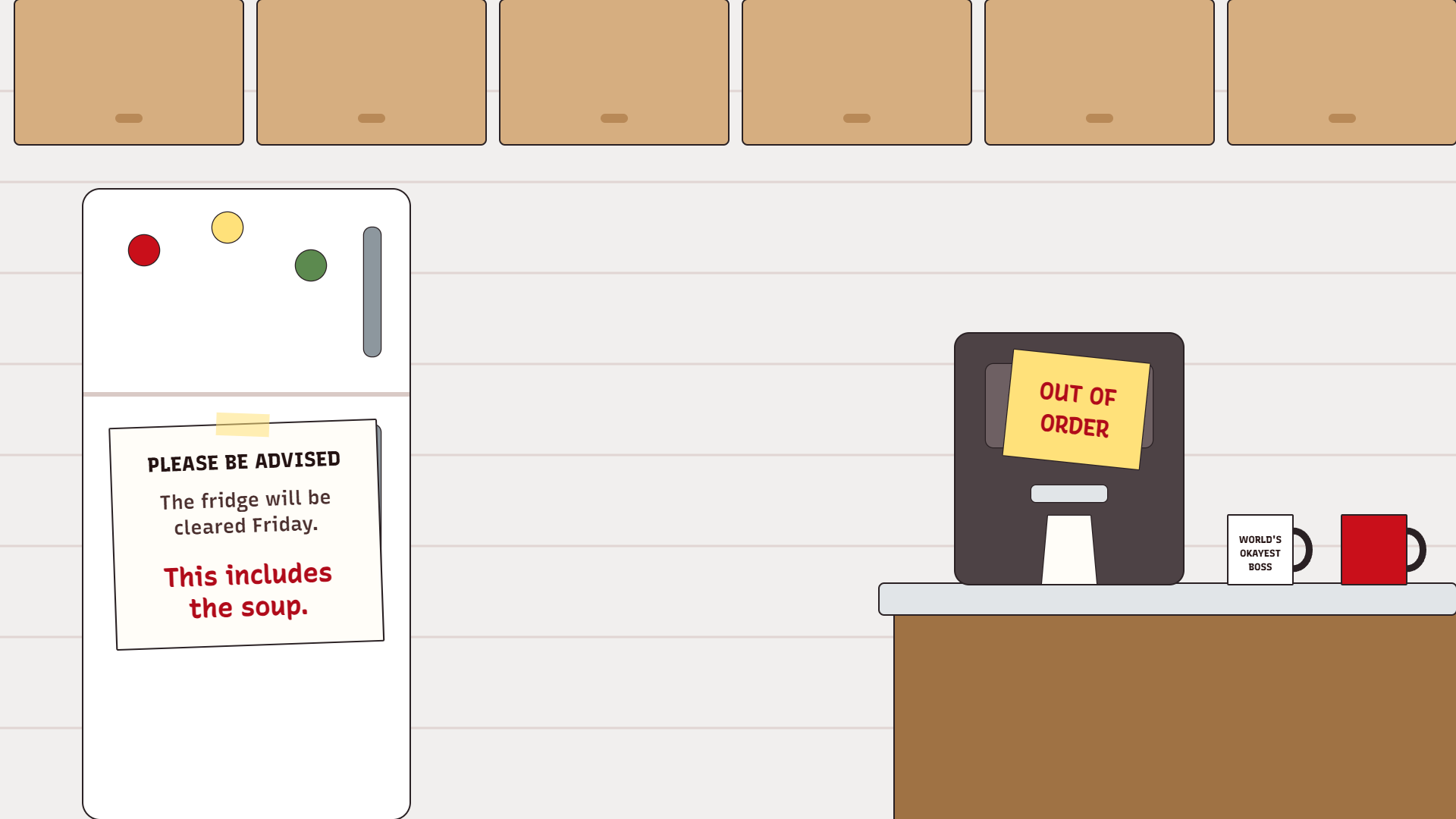
The fridge gets cleared Friday, soup included, and the coffee machine has had the same sticky note since spring.
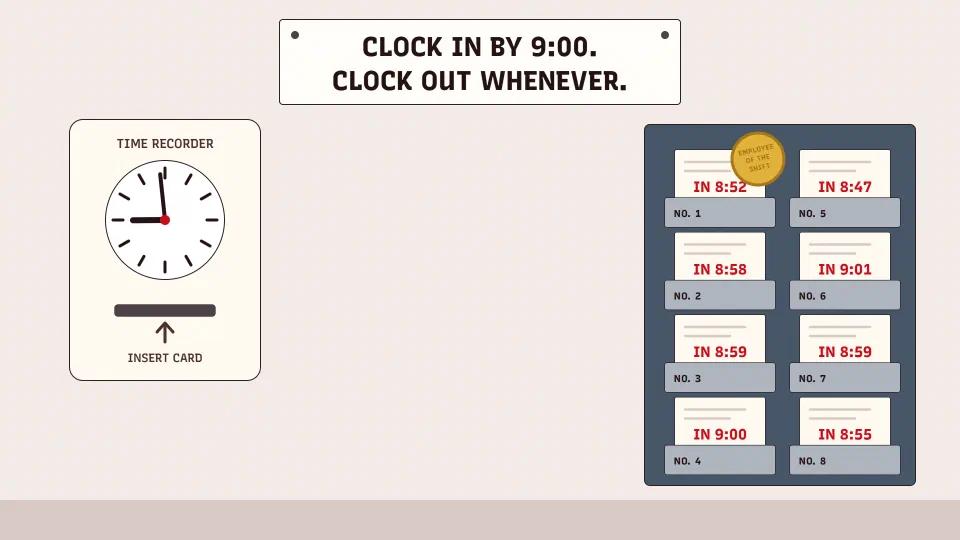
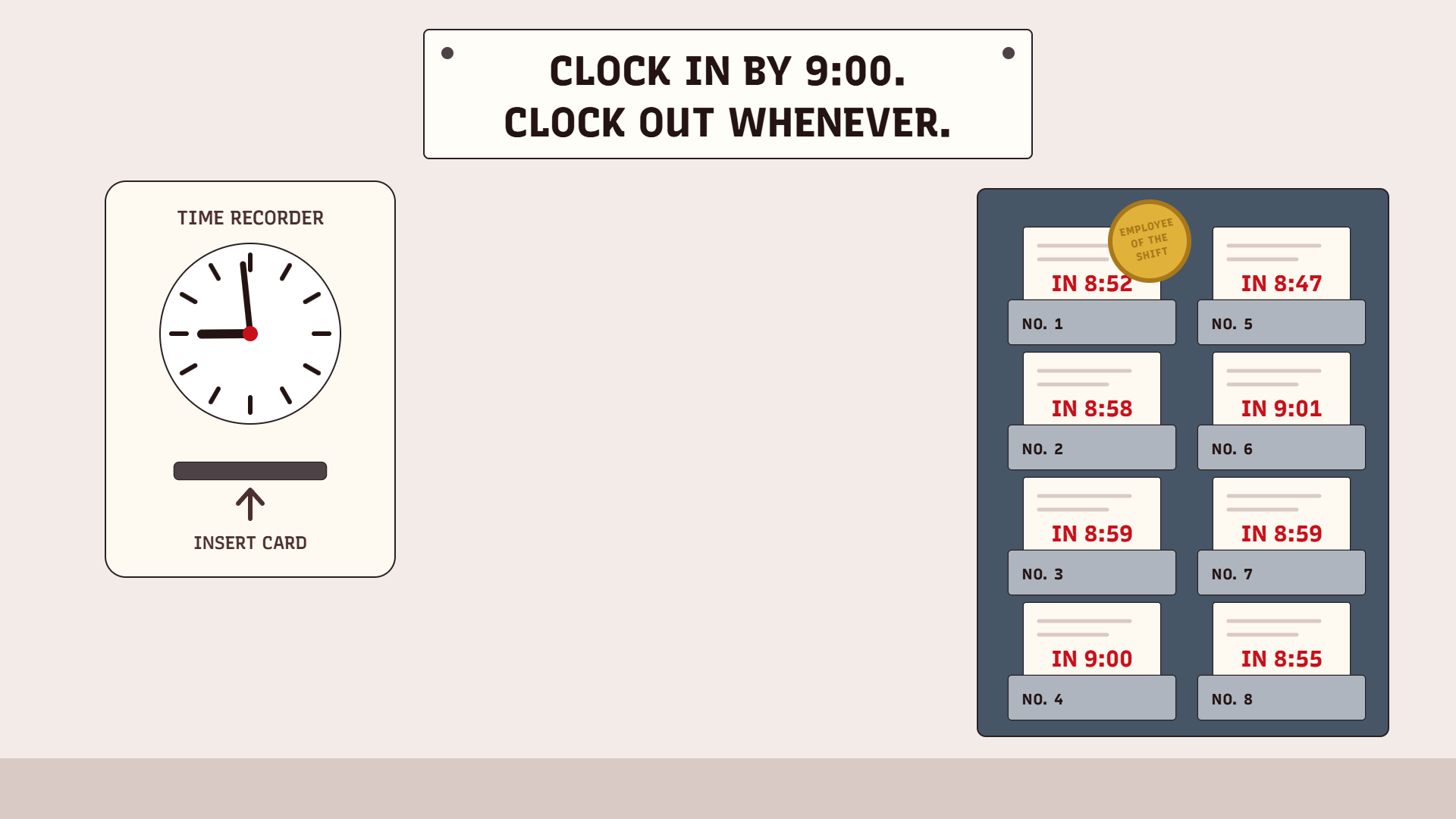
The punch clock says 8:59, the rack is full, and the notice explains which way the minutes count.
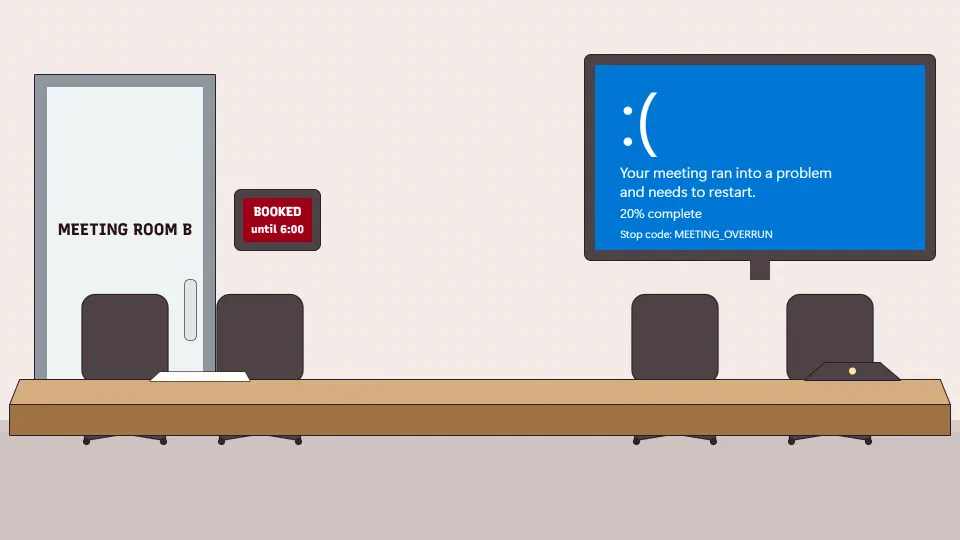
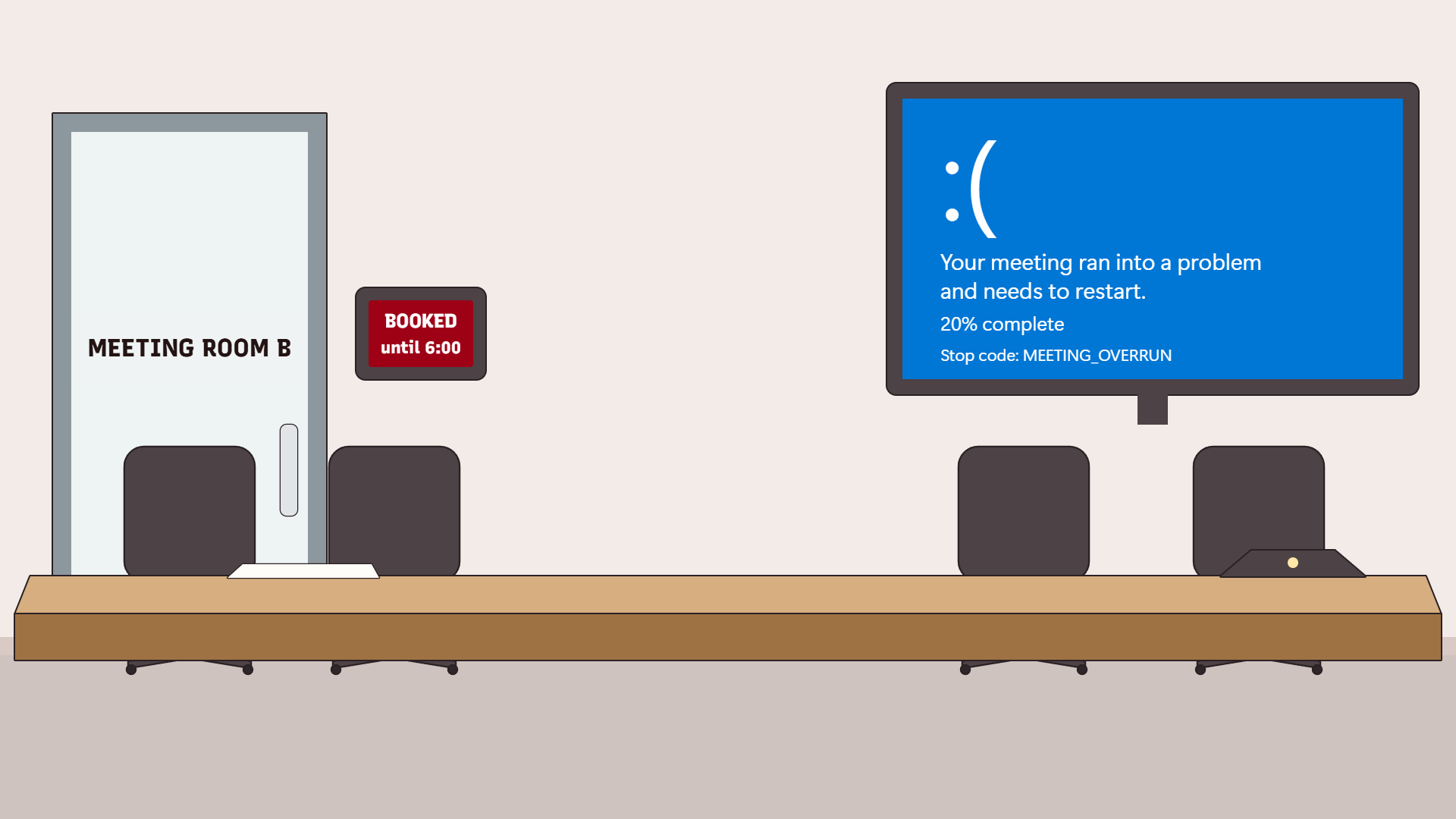
The room is booked, the chairs are empty and the screen has crashed with a stop code nobody can argue with.
Before a meeting, open it from your calendar and select Join. On the screen before you go in, select Effects and avatars, then More video effects, then Add new, and pick the file. Teams takes JPG, PNG and BMP.
Already in the meeting, select More actions, then Video effects and settings, then Video effects. Add new uploads the file, Preview lets you look at it first, and Apply puts it on the call. It stays on for every meeting and call after that until you change it.
On a phone, tap Join, then Background effects on the screen before the meeting, then Add new and Done.
In the desktop app, click your profile picture, then Settings, then the Video & effects tab and its Virtual backgrounds tab. The add icon uploads the file. Zoom takes a 24-bit PNG or a JPG of up to 15 MB.
In a meeting, click the arrow beside Video, then Video & effect settings, then Virtual backgrounds. On a phone, tap More, then Settings, then Virtual backgrounds, and the plus icon adds your image.
Your own picture can be mirrored, and then the RECEIVED stamp reads backwards to you. Both apps have a setting called Mirror my video, and it changes only your view. Everyone else sees every word the right way round.
On a call your head and shoulders cover the middle of the picture. So each joke sits on the left, on the right or along the top, where everyone else can still see it. Each is 1920 by 1080, the shape of a 16:9 camera and one of the two sizes Zoom suggests for it.
The lift is the one from Close the Door, the stage is Pizza Party’s, and the red pen is the one the corporate jargon dictionary strikes words with.
For a call you’d rather not be on at all, the fake Zoom meeting runs one for you. You’re on Mute covers the calls you can’t avoid, in a video call game where the dog, the kid, the doorbell and the blender wait for your cue.
Download as many as you like and use them on any call, at work or anywhere else. A background matters most on WFH days, when the only office on the call is the one you picked. There’s no sign-up and nothing to install.
The shape of your camera's picture. For a 16:9 camera that's 1920 by 1080 or 1280 by 720 pixels, and if you aren't sure of the shape, Zoom says to use at least 1280 by 720. It takes a PNG or JPG of up to 15 MB. Every background here is 1920 by 1080.
Yes. Teams takes JPG, PNG and BMP files, so download one, then pick Add new under your video effects and choose the file.
With Mirror my video on, your own picture is flipped, the way a mirror is. Everyone else on the call sees the words the right way round, and turning the setting off shows you what they see.
No, both apps work without one. Zoom says a bright, plain color behind you, such as a green or blue screen, makes it easier to tell you apart from the wall.